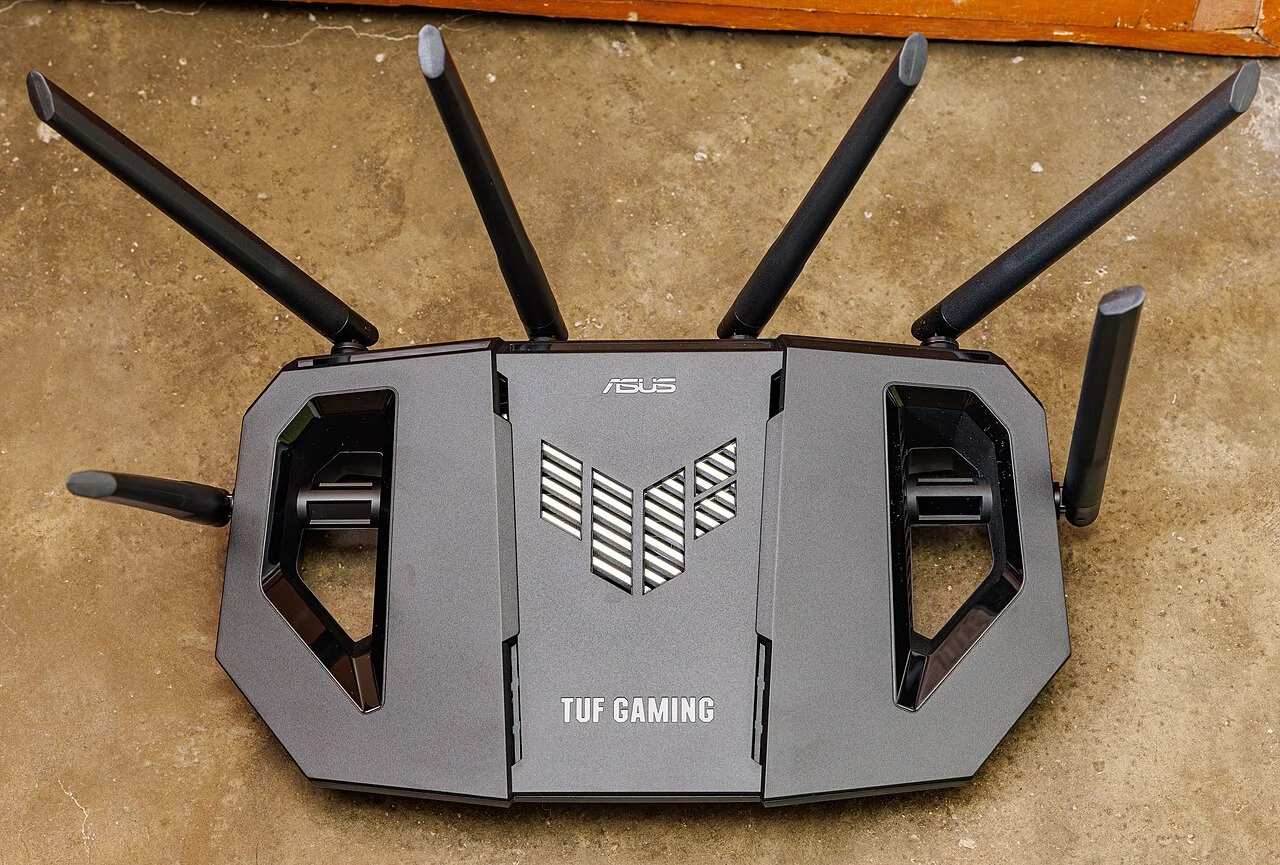
Friends are staying for the weekend and will need an internet connection. Instead of reading out the household password from memory, check whether the router supports a suitable guest network and decide what access is actually needed. A small visit plan can make connecting straightforward while keeping the network's settings understandable to the person responsible for it.
Find the instructions for the installed router
Identify the router or managed Wi-Fi system and use its current official instructions. The device supplied by an internet provider may have different controls from a similarly named retail model. If someone else manages the household connection, agree the arrangement with that person rather than changing settings during a visit. Guest access is a feature to verify, not something to assume every box supports.
The FTC notes that many routers offer a separate guest network name and password. Keep the Wi-Fi password distinct from administrator credentials: visitors need the intended connection information, not the ability to manage the router. Use the provider or maker's documented setup route and appropriate account access. This guide does not require remote administration, new software from an unfamiliar source or a change to the household's existing equipment.
Decide between internet access and shared devices
Ask what the visitor needs to do. Browsing on a phone may need only internet access; printing or using a shared speaker introduces another question. Do not assume that a guest network automatically exposes every household device, or that every implementation isolates devices in the same way. Look for the exact model's explanation of local access and guest settings.
For example, Google's Nest Wifi guidance lets the owner select shared devices for guests, such as a printer or streaming device. That is a documented feature of that system, not a universal router menu. Choose only the sharing needed for the visit using the actual controls available. If a particular task cannot work under the planned guest arrangement, agree another appropriate way to complete it instead of changing unrelated settings at random.
Check the visitor experience before it is needed
Use an appropriate device with permission to check that the intended network name appears, the supplied password connects and ordinary internet access works. Verify any deliberately shared device separately. A connection indicator alone does not explain which printer, speaker or local service is reachable. Keep this check focused on the agreed tasks rather than exploring other devices on the network.
Write down only the guest connection information the visitor needs. Avoid putting administrator details on a welcome card or leaving a management session open on a shared screen. The FTC advises logging out after administering the router. A convenient connection note is useful, but it should not become a general record of household account credentials or a promise that the connection guarantees privacy for every online activity.
Give the arrangement a clear end
Decide what happens after the visit using the maker's supported controls: whether guest access stays available, is disabled or has its password changed. Record that choice so another household member understands why a saved connection may stop working. Do not change the primary network password merely because the visit ended unless there is a separate appropriate reason to do so.
Keep a short private setup note with the router model, official support link, intended shared devices and the person who manages the settings. Leave visitors a simpler message containing only the network name and connection instructions. The useful outcome is a working arrangement with a clear owner and an understood end, without turning a weekend stay into a broader equipment upgrade.
Sources & further reading
Published sources for the details and examples discussed in this story.